
Porting your number to our Pennsylvania
Office is Easy and Quick.
Porting Information
Do you have a toll free number or a phone number with your area code that you use with another phone service provider? Are you in search of a better rate, service reliability, service functionality or customer service? We welcome you to port your existing phone number(s) to Moraltel Secure.
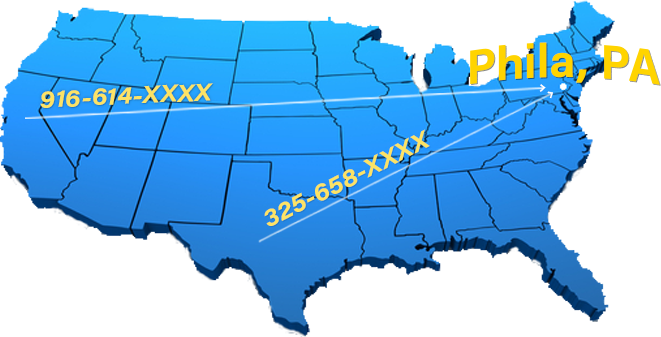
Some of our best customers are those that set up an account by porting their phone number to our Pennsylvania office. Once you port your phone number(s), you’ll gain the edge over costs and enjoy superb service reliability from Moraltel Secure. The phone number(s) you port to us can be used with any of our Moraltel Secure services.
The process has been simplified. Turnaround time has been reduced to 5-14 business days, and the porting fee has been waived. In the middle of signing up for your new Moraltel Secure account, you’ll be momentarily forwarded to Docusign.com to fill out and sign an online Letter of Authorization form if you’re porting a phone number(s) with your area code, or a RespOrg form if you’re porting a toll free number(s). After filling out, signing and submitting the form, it will automatically be electronically submitted back to Moraltel Secure. It takes about five minutes to fill out and sign either of the forms. This completed form enables us to port your existing phone number(s) to your new Moraltel Secure account.
If you like, while your phone number is in the porting process, you can have your current phone service provider temporarily forward your phone number to a temporary phone number here in our network that rings to your service. For example, if you’re a new Moraltel Phone System customer, you can have your phone number ring directly into your Moraltel Phone System main menu before the porting process is completed. This way you can start receiving calls on the same day you set up the account. You will not be billed for double-legged calls as Moraltel Secure does not charge per minute fees for our standard service accounts.
You must complete 2 tasks before beginning the porting process:
- Contact your current phone service provider and confirm with them that your toll free number or phone number with your area code is portable. Most phone service providers provide phone numbers that are portable, so this should not be a problem.
- After confirming that your phone number is portable, you’ll need to locate a copy of your most recent invoice with your current phone service provider so that you can upload it after beginning the online sign up procedure. If you’re not able to locate the most recent invoice you received in the mail, invoices are usually downloadable in the user portal account that you have with your current phone service provider. If you don’t have a user portal account, your current phone service provider can either help you register a user portal account or email you a copy of your most recent invoice.
If you’re expecting to use our Free Desk Phone Rental, you may need to include more than one invoice. How many recent invoices you’ll need to upload during the sign up process depends on how many phones you’ll need for your account:
-
- If you order 1 – 4 phones, you’ll need your 2 most recent invoices.
- If you order 5 – 14 phones, you’ll need your 4 most recent invoices.
- If you order 15 – 26 phones, you’ll need your 6 most recent invoices.
- If you need to order 27 phones or more, you’ll need to contact our sales team at 1-844-200-5171 to set up an account.
After following the 2 tasks mentioned above, you can begin the new account sign up procedure and port your existing phone number(s) to Moraltel Secure.
While following the new account sign up procedure, you’ll carefully be guided through each step and sent an emailed confirmation or your order.
Now that you’re aware of how our porting procedure works, if you would like to set up a new Moraltel Secure account, proceed to our Pricing Page.